

OTP Auth
Roland Moers
Download price only. In-app purchases and subscriptions may cost extra.
- Developer
- Roland Moers
- Version
- 2.18.0
- Minimum iOS
- 12.0
- Age rating
- 4+
- App Store rating
- 4.64 / 5 (476)
- App languages
- EN, DE
App Store region: United States · Checked: Sep 21, 2026
Sources & method ↗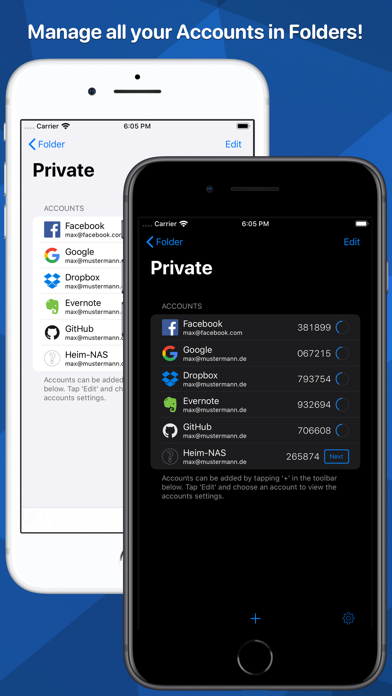
About this app
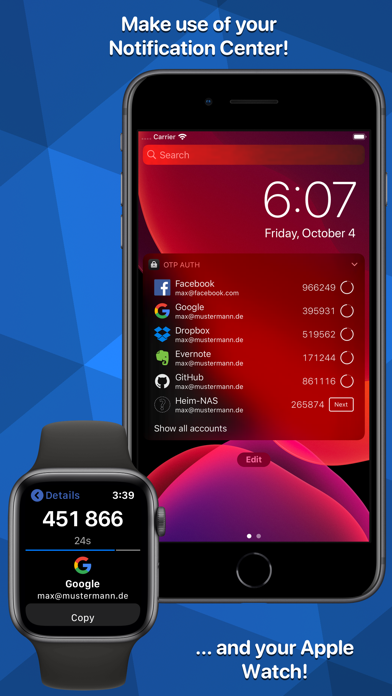
OTP Auth adds support for two-factor authentication to your iPhone and iPad. It can be used with Dropbox, Facebook, GitHub, Google Mail and many more. Make your accounts safe again! Features: - Ads free - Encrypted iCloud Sync - Siri Support - Apple Watch support - Notification Center widget - Safari extension for pasting passwords into websites - Secure application using Face ID/Touch ID (or password) - Create encrypted backups of all accounts - Import/Export encrypted accounts using AirDrop, iCloud, Dropbox, Mail, ... - Works offline All data stored by OTP Auth is stored using strong AES-256 encryption. This applies for all data. In particular, for both locally stored data as well as data stored in the iCloud Drive (when iCloud Sync is enabled). The password for those files never leaves your device such that noone but you can read your data. OTP Auth does not collect information about you or send them anywhere. You won't be asked to allow access to your contacts or your location. And most important: OTP Auth does not connect to the internet and will not send your accounts to someone else! (Unless you enable iCloud sync where an AES-256 encrypted copy of your accounts is stored in your iCloud Drive. The password for that copy will never leave your phone.) Follow me on Twitter: @otpauth
What’s new
This app has been updated by Apple to prepare for watchOS 27 compatibility. No new features are included. Changes: * Support for iOS 17 * Add support for copying a code from the widget directly * Bugfixes