

JPics
捷 廖
Prix du téléchargement uniquement. Les achats intégrés et abonnements peuvent être facturés en plus.
- Développeur
- 捷 廖
- Version
- 6.0.8
- iOS minimum
- 12.0
- Classification d’âge
- 4+
- Note App Store
- 4.62 / 5 (21)
- Langues de l’app
- EN, FR, DE, IT, JA, KO, PT, RU, ZH, ES, ZH
Région App Store: États-Unis · Vérifié le: 20 sept. 2026
Sources et méthode ↗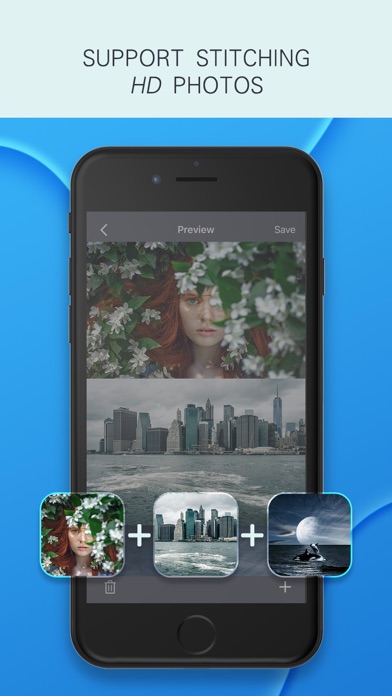
À propos de cette app
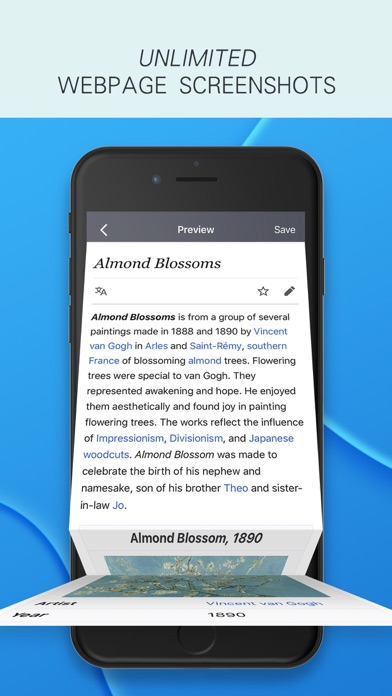
JPics focuses on long image stitching. Support splicing photos taken by SLR, original picture quality output; support full webpage screenshots. Applicable scenarios: Seamless stitching of chat records, movie lines, web page screenshots, life photos, screenshots, learning materials, landscapes, long Weibo, etc. 【Features】 -Super clear preservation, original picture quality output; -The page is concise, focusing on long image stitching, no ads, no in-app purchases; -Stitch up to 24 pictures; -Support manual stitching to cover overlapping parts of pictures; -Support vertical and horizontal stitching of pictures; -Support picture cut, graffiti, add text; -Support setting border color and gap; -Support border style setting (preview page, click "border" in the lower left corner); -Support full webpage screenshot (two ways to use: 1. Open JPics plugin in safari browser; 2. Copy webpage link and start JPics); -Support system photo album plugin, you can directly stitch long images in the system photo album without opening the App, at most 10 pictures at a time (usage: open the album> select multiple pictures> select the share button in the lower left corner> "more" activity > Open "JPics") -Support custom splicing template. Create custom templates such as movie lines and chat records, and automatically stitch long pictures with one click.
Nouveautés
Fix bugs .